Update News: Set All-day by Default, Theme Settings, and More 🎄✨

Scheduler · iPhone Calendar App
Hello there! 😊 I hope you’re having a joyful holiday season 🎄 Here’s an update on some convenient features and new theme settings 🎅
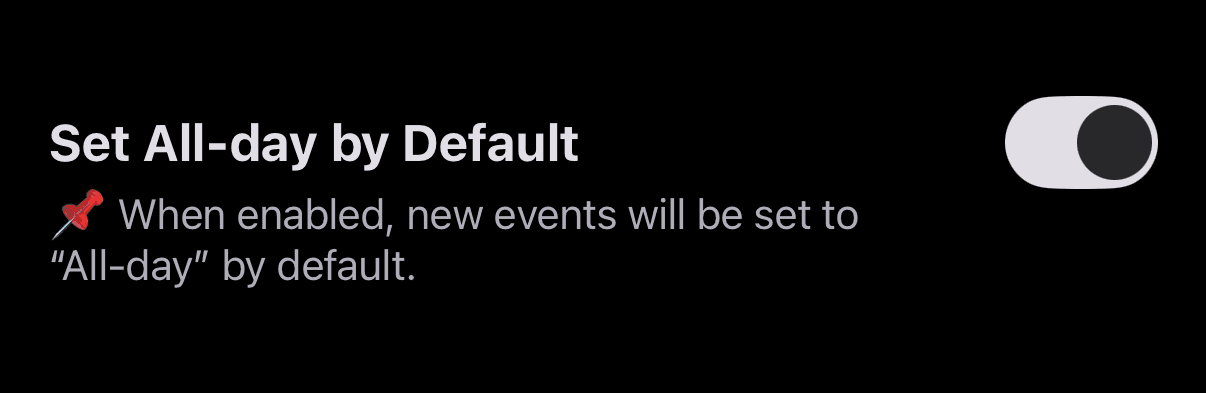
📍 Set All-day by Default
This feature was one of the most requested — allowing you to have “All-day” selected by default when creating a new schedule. It may seem small, but for those who mostly use all-day events, it can save time and make scheduling much more convenient! 👍
You can enable this by tapping the “three dots” menu at the top right of the app screen to access Preferences, then scroll down to find and toggle Set All-day by Default. Once activated, all new events will default to all-day.
Many thanks to everyone who shared this valuable feedback 🙏
📍 Opacity Setting Added to “A Soft Glow Behind the Window” Theme
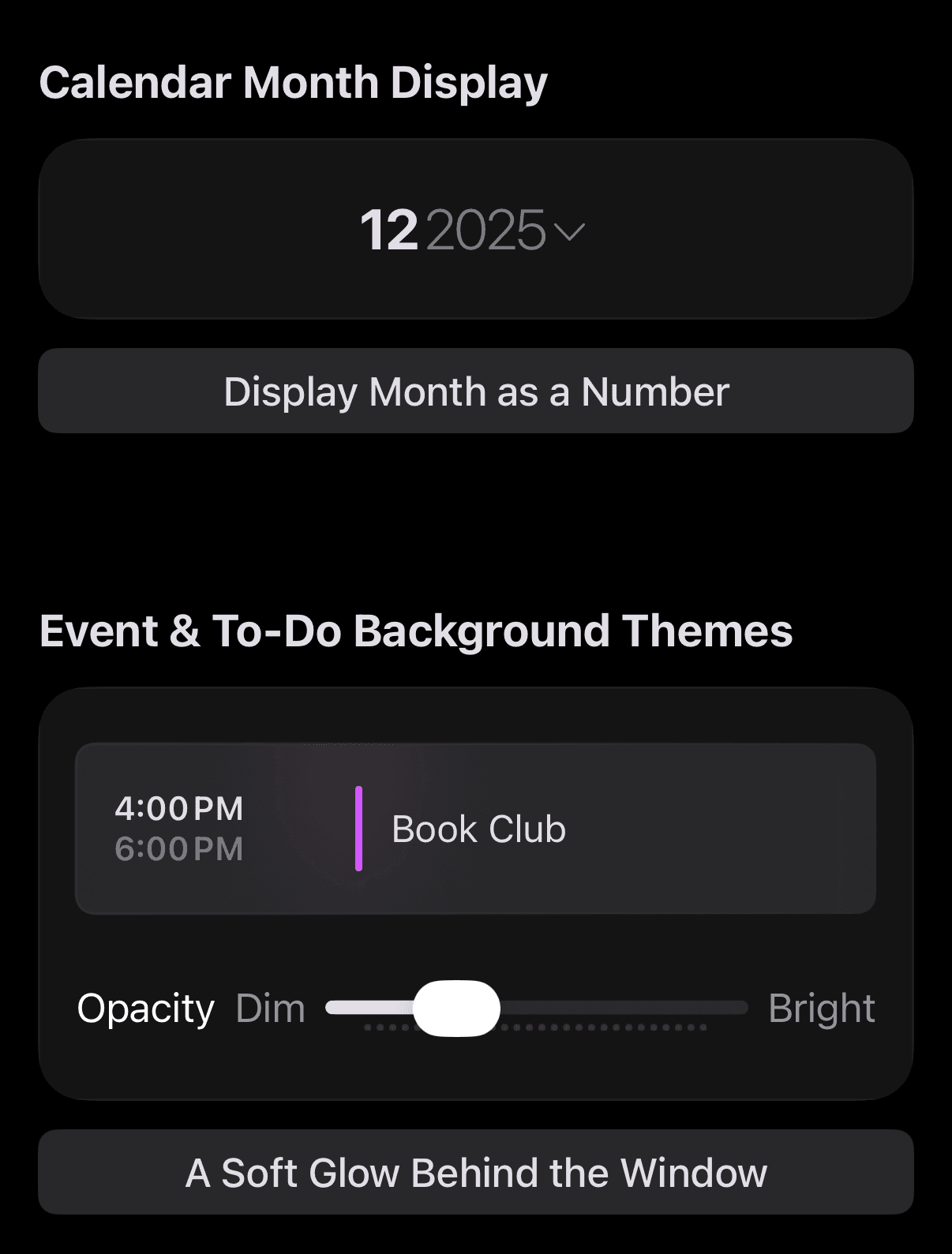
If you’re using the A Soft Glow Behind the Window theme, you can now adjust the glow’s opacity to better match your preferences 🎨
Since launching this theme, one common issue has been that the “soft glow” appears differently on various devices 😂 For example, it was barely visible on my Mac but way too bright on my iPhone SE2. Since I can’t control how it looks on every device, I decided to add a feature that lets you adjust it yourself 💡
You can find this option by going to the “three dots” menu at the top right → Theme → My Themes → set the “Schedule & To-do Background Themes” to A Soft Glow Behind the Window, and then use the slider bar to adjust the opacity. You can also preview the adjustments in the Theme Store 🎨
📍 Visual Adjustment for Free Theme: Display Month as a Number
I made visual improvements for better readability when switching from the Calendar Month Display theme to Display Month as a Number in the calendar view.
Money Keeper: Pin Categories to the Top + 2nd Round of Feature Updates 📍
The much-requested Pin Category to Top feature has now been added to Money Keeper! 🙌 Now you can easily find frequently used categories by pinning them to the top of your list.
If you’ve been managing your expenses with the Money Keeper app for a long time, chances are you have a lot of expense categories — so this update will be especially useful. I personally record “Food” most frequently, so I pinned it to the top right after the update 😄
Thank you so much to everyone who took the time to share your thoughtful feedback! 🙇♂️

Money Keeper
Expenses Tracker, Payday & Budget Calendar
—
Thank you so much for using the Scheduler app to manage your time 🙏
If you ever need help or have feedback, feel free to send a message through the “Send Feedback” option in the app. I’ll do my best to respond and assist you 📨
Please take good care of your health 💪
Wishing you a bright and happy day! 🌈✨
Scheduler
iPhone Calendar App