Lock Screen Countdown Widget Update News 🦄✨

Dayte · iPhone Countdown App
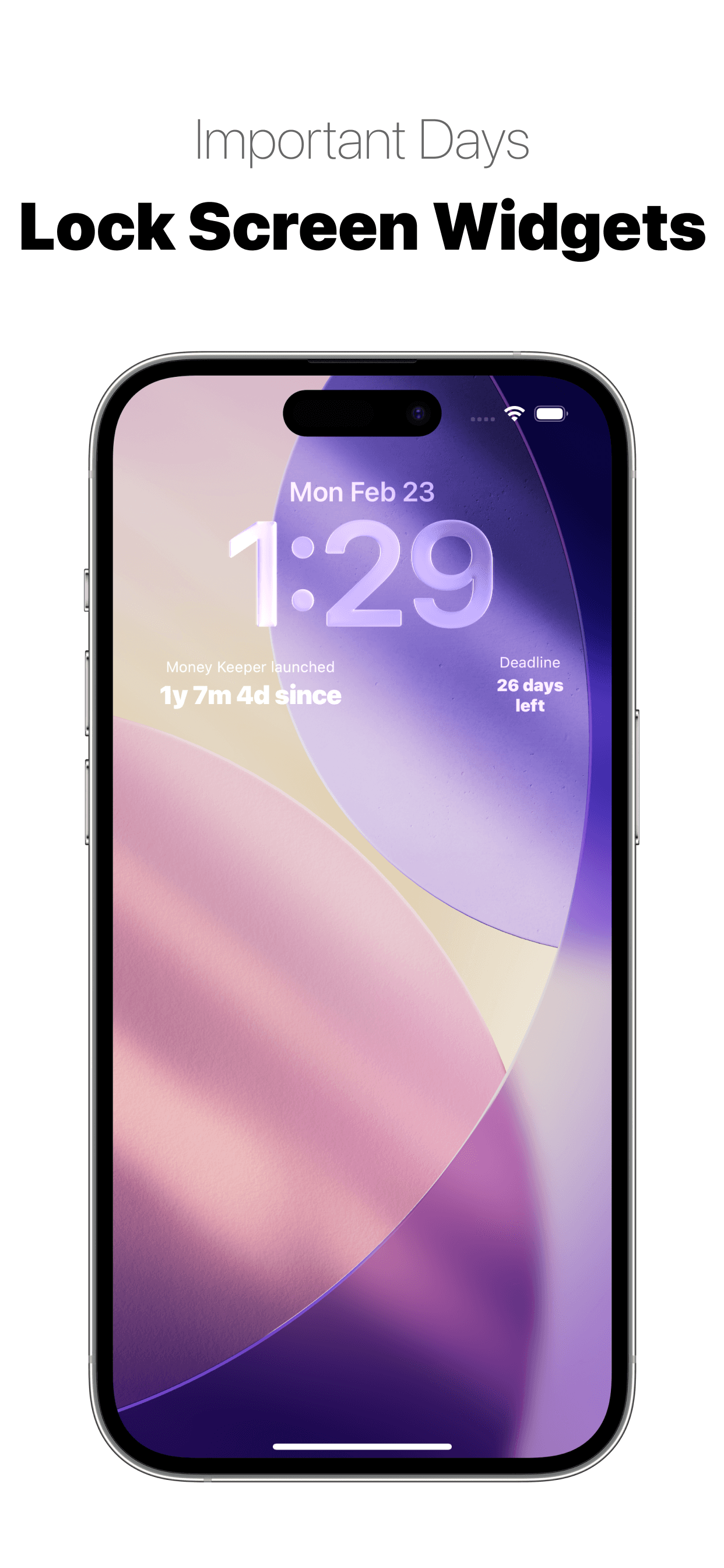
Hello 😊 Since the app launch on February 19, the “Lock Screen Countdown Widget” that many users shared feedback about has been added to the Dayte app 🙌
I had been planning the lock screen widget even before the launch, and since it was a feature I could implement quickly, I designed and developed it right away 👍 I’m truly happy that you can now check the important days you recorded in Dayte directly from your lock screen 🌈
In addition to the lock screen widget, many users have shared various valuable opinions!! I sincerely thank you for taking the time to leave such thoughtful feedback, and just like my Scheduler and Money Keeper apps, I will continue to reflect your feedback one by one while maintaining “simplicity” 😊
💡 How to Use the Dayte Widget on Mac
(1) On your MacBook or iMac desktop, right-click and select “Edit Widgets.”
(2) Search for “Dayte” and add the widget you want. To see iPhone widgets in the search results, your Mac and iPhone must be signed in with the same Apple ID 🙌
Below are additional updates that have been made:
📌 Thanks to a valuable user report, support for the “Dark Mode app icon” has been completed.
📌 Improved the sharpness of the app logo.
The Dayte app is just getting started!!
I will continue to think together with you and steadily improve the app 👍
If you experience any inconvenience or have suggestions while using the Dayte app, I would truly appreciate it if you could leave your feedback anytime through “More” → “Send Feedback” 📧
Thank you to everyone who shares their special days with the Dayte app. I hope you always take good care of your health 💪 Wishing you a happy day~! 🌈✨

Dayte
Countdown · Only What You Need