How to Add an iPhone Countdown Widget on Mac 🦄📆

Dayte · iPhone Countdown App
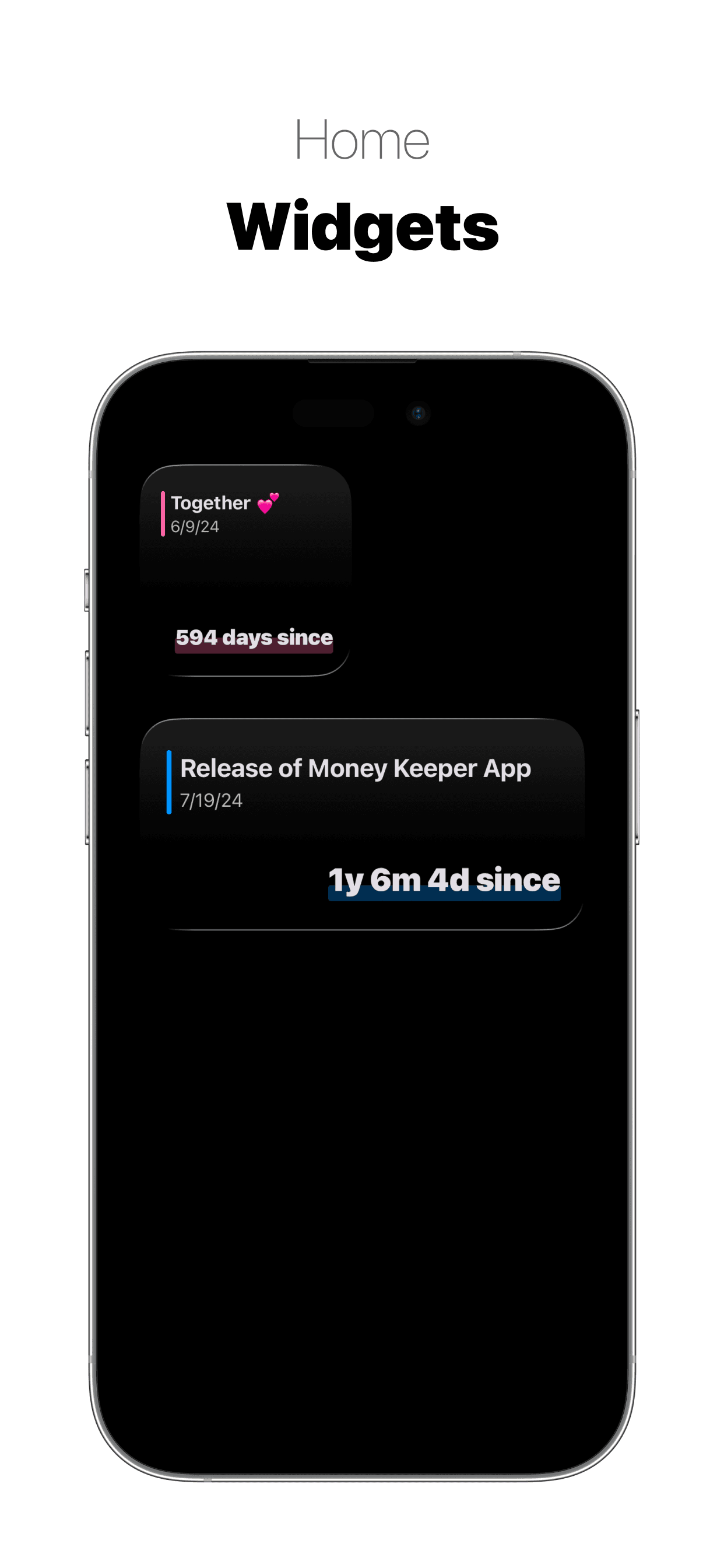
You can also add the widget from the iPhone Countdown app “Dayte” on your Mac 👍
(1) On your Mac desktop, right-click and select “Edit Widgets.”
(2) Search for “Dayte” and add the widget you want. To find iPhone widgets, your Mac and iPhone must be signed in with the same Apple ID 🙌

Dayte
Countdown · Only What You Need