New Widget Appearance Setting 🌠✨

Scheduler · iPhone Calendar App
Hello! 😎 The widget Appearance setting, requested by many users, is now available~! Now, when your iPhone is set to “Dark Mode,” you can set just the Scheduler widget to “Light Mode,” or when your iPhone is set to “Light Mode,” you can set just the widget to “Dark Mode” ☀️🌙
This is a feature that many users have been requesting for quite some time, so I wanted to release the update sooner, but there were some unexpected(?) technical hurdles. I had been researching possible solutions for a while, and recently found a way to make it work, so I released the update right away. I sincerely appreciate everyone who took the time to share their valuable feedback 👍
📍 How to Change the Widget Appearance
-
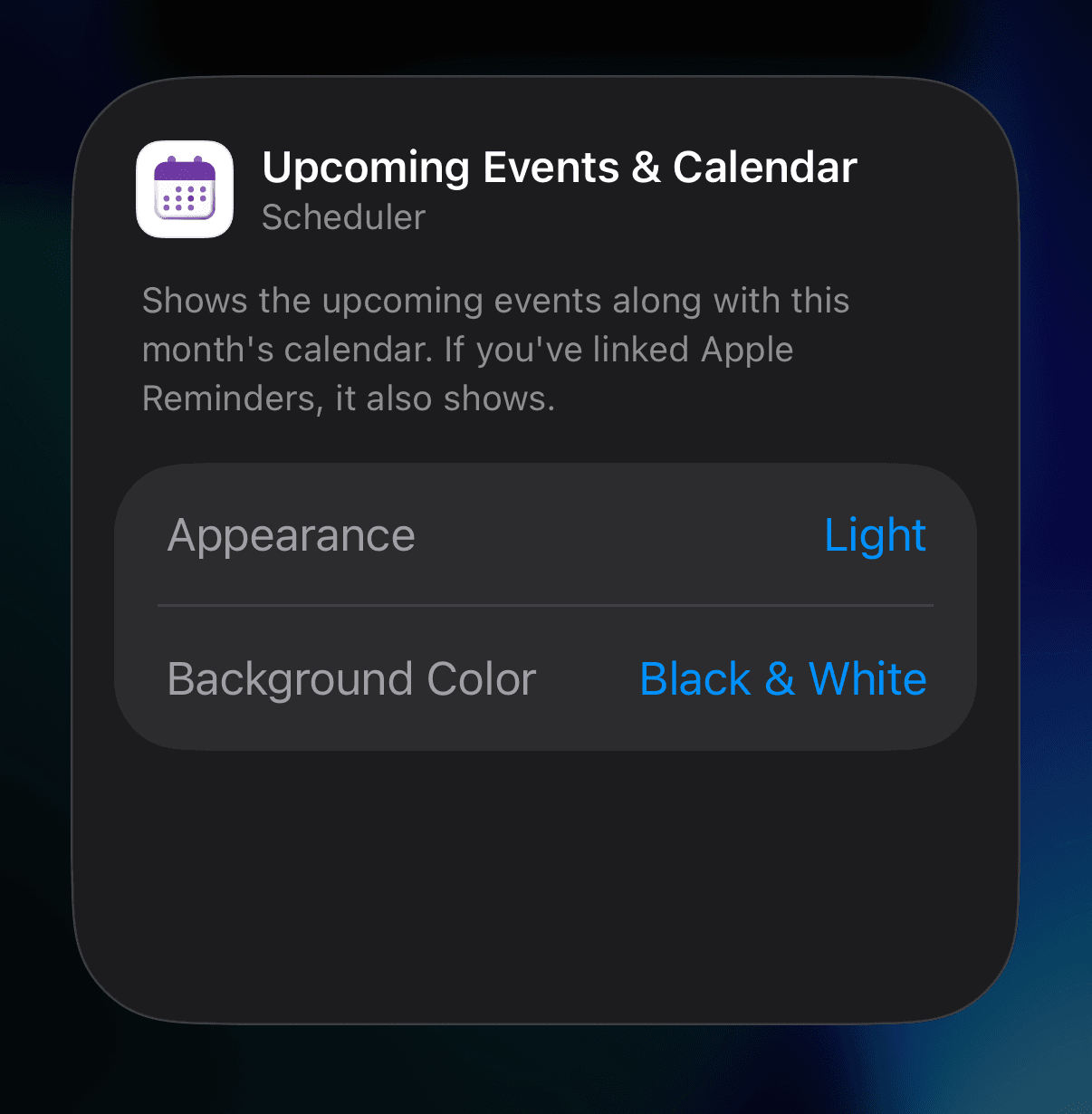
Press and hold a Scheduler app widget, then tap “Edit Widget.”
-
On the settings screen that appears, change “Appearance” to your preferred option. The “Appearance” setting is available for all Scheduler app widgets.
Dayte Countdown App Update: “Special Dates List” for 100 Days, 200 Days, 1st Anniversary, 2nd Anniversary, and More 🎂 🎉
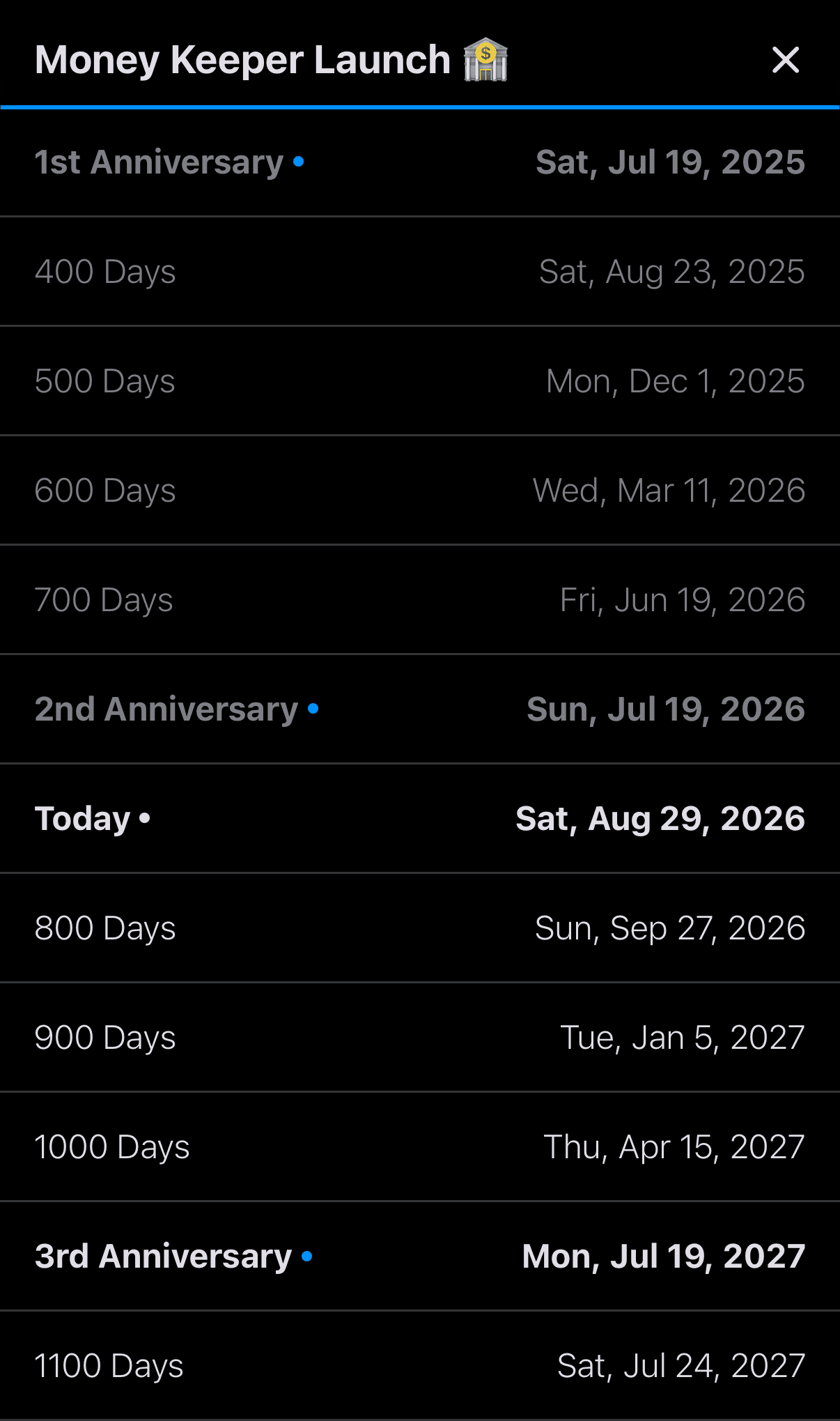
The “Special Dates List” feature, requested by many Dayte users, has been updated. Dayte categorizes “Special Days” into the following three types, and for special days registered as “Since,” which you can use to track things like how many days you’ve been together as a couple or your baby’s age in months, you can now use the updated “Special Dates List” feature to check special dates such as 100 days, 200 days, the 1st anniversary, the 2nd anniversary, and more 🎂
📍 Countdown
📍 Recurring Countdown
📍 Since

Dayte
Countdown · Only What You Need
—
Thank you to everyone who uses Scheduler to manage your schedule 🙏
Whenever you need my help or have feedback, please feel free to send me a message through [More > Send Feedback] in the app. I’ll be happy to reply and help however I can 📨
I hope you’re always taking good care of your health 💪
Have a wonderful day! 🌈✨
Scheduler
iPhone Calendar App