Announcing the 2nd Update to the “Payment Methods (Expense Methods)” Feature: Set a Default Payment Method 💳✨

Money Keeper · Track Money Easily
Hello 😊 The 2nd update to the “Payment Methods (Expense Methods)” feature, which many users requested, has now been completed 🙌
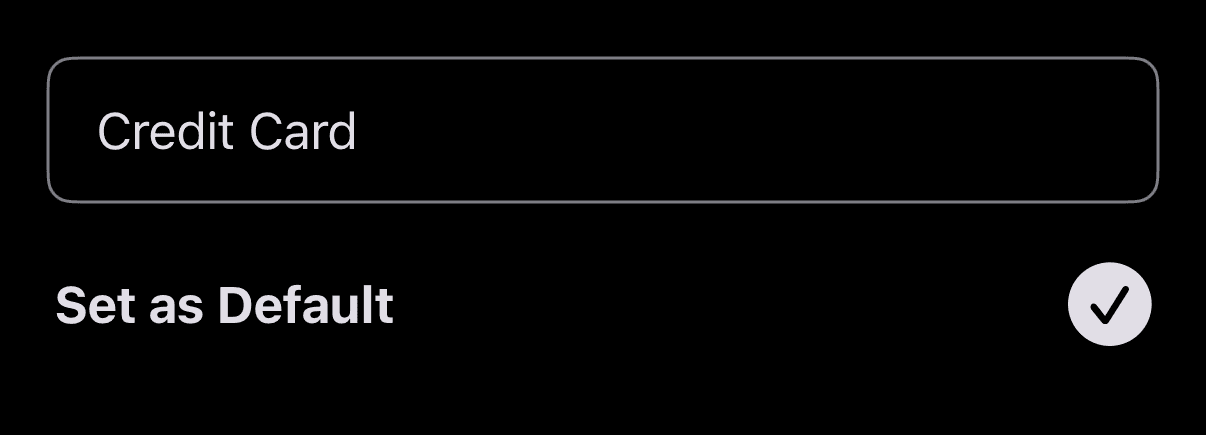
With this update, I added a feature that lets you set your most frequently used payment method as the “Default Payment Method.” The payment method you set as the “Default Payment Method” will now be automatically selected whenever you add a new expense. This removes the hassle of having to choose a payment method every single time you register an expense~!
You can set a default payment method by going to [Record Expense Screen > Payment Method > Edit icon button on the right side of the payment method item you want to set as the “Default Payment Method”] and checking “Set as Default.” I’ve also attached a reference image below for your convenience ✅
If you need any help or have any feedback, please feel free to send it anytime through the in-app “Send Feedback” feature. I’ll review it and do my best to respond and help you out 📨
—
Thank you so much to everyone who uses Money Keeper and manages expenses together with me 🙏
I hope you always stay healthy 💪
Wishing you a happy and wonderful day~! 🌈✨

Money Keeper
Expenses Tracker, Payday & Budget Calendar