‘Daily’ Recurrence Option Added 🌠 and Advance Notice of the ‘Analysis by Period (Annual Analysis)’ Update 📣

Money Keeper · Track Money Easily
Hello! 😎 The ‘Daily Recurrence’ feature, which many of you have requested, is now available 🎉
You can now easily register things like daily savings deposits and daily transportation expenses. When adding income or an expense, select ‘Daily’ under ‘Recurrence’ to register income or expenses that occur every day. I sincerely thank everyone who shared their valuable feedback 🙏
To stay true to the app’s philosophy of providing “only the features you need,” I’m trying to add only the recurrence options that are truly necessary, and I’m also considering adding other useful recurrence options in the future. If you have any suggestions, I’d really appreciate it if you could share them anytime through [More > Send Feedback] in the app 📧
📣 Advance Notice of the ‘Analysis by Period (Annual Analysis)’ Update
One of the most frequently requested features right now is ‘Analysis by Period (Annual Analysis).’ While the currently available ‘Monthly Summary (Summary by Cycle)’ feature lets you analyze expenses based on your spending cycle, the upcoming analysis feature will let you set your own period and analyze your spending by classification (category).
Since so many of you have shared your thoughts on this feature, I think I’ll be able to design it carefully based on your feedback. I’ll work hard to make it happen! 🏃💨
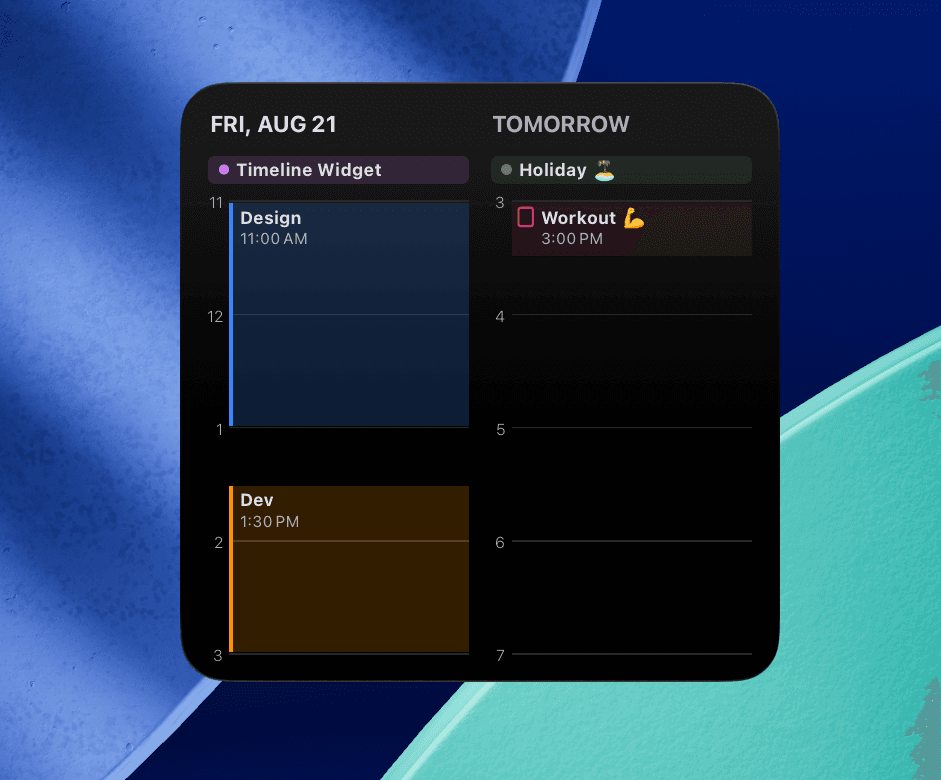
🦄 New ‘Timeline’ Widget Update for the Scheduler Calendar App 🌈✨
A new ‘Timeline’ widget has been added to the Scheduler app. It’s a widget that many of you have requested, showing your upcoming events for today and tomorrow in chronological order.
It has a different feel from the 14 widgets I’ve offered so far, so if you’ve been looking for a fresh new widget, I think it’s worth giving it a try 🙌 Like the other widgets, the ‘Timeline’ widget is available on iPhone, iPad, and Mac.
Scheduler
iPhone Calendar App
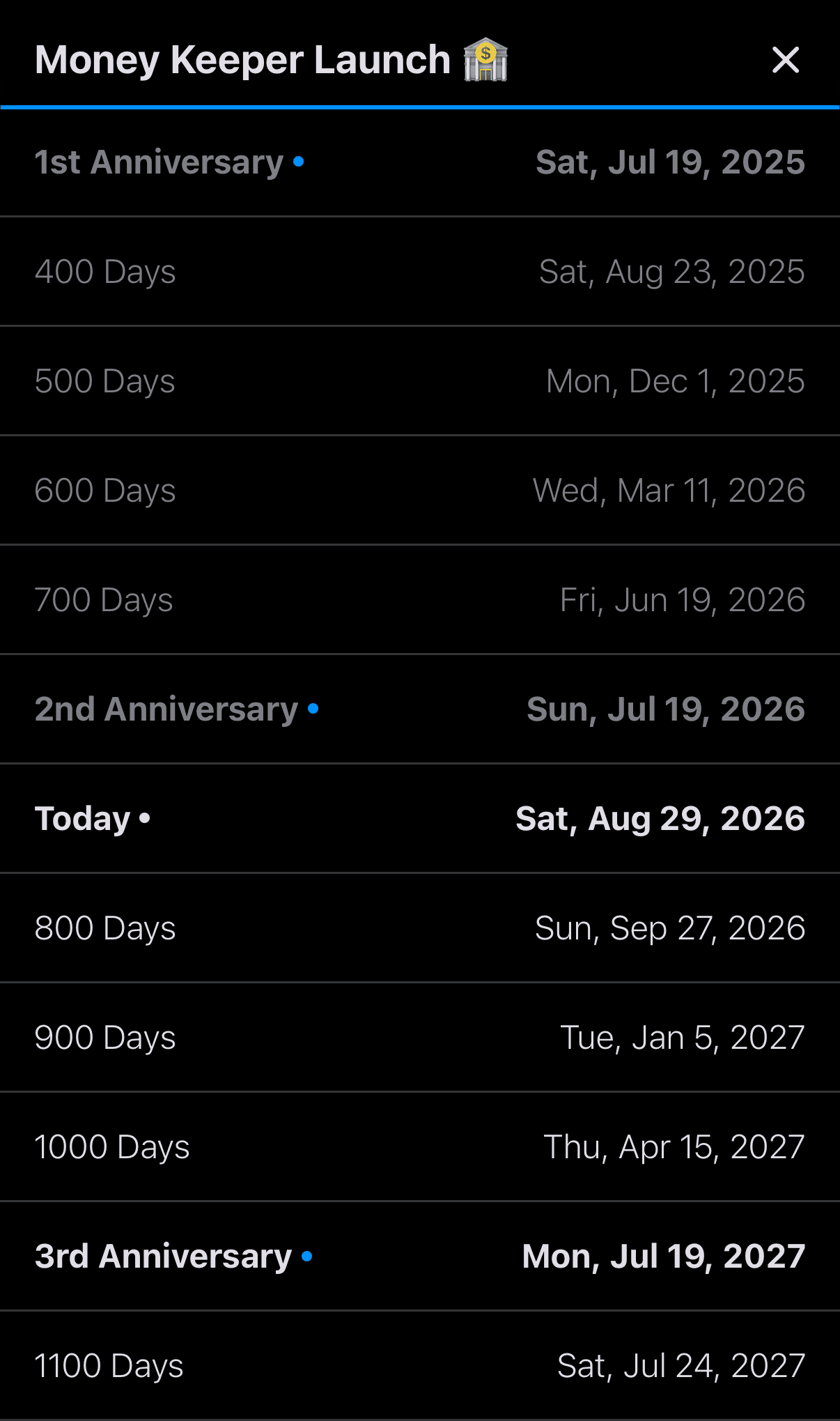
🦄 Dayte Countdown App Update: ‘Special Dates List’ for Since Items, Including 100 Days, 200 Days, 1st Anniversaries, 2nd Anniversaries, and More 🎂 🎉
The ‘Special Dates List’ feature requested by many Dayte users is now available!

Dayte
Countdown · Only What You Need
—
Whenever you need my help or have any feedback, please feel free to use ‘Send Feedback’ in the app. I’ll review your message, reply, and do my best to help 📨
Thank you for using Money Keeper to manage your expenses 🙏
I hope you always take good care of your health 💪
Have a wonderful day~! 🌈✨

Money Keeper
Expenses Tracker, Payday & Budget Calendar