How to Turn Off App Tracking Requests on iPhone and iPad 📱💡

Scheduler · iPhone Calendar App
I’d like to share how to stop app tracking requests from appearing when you download a new app on your iPhone or iPad. 🙌
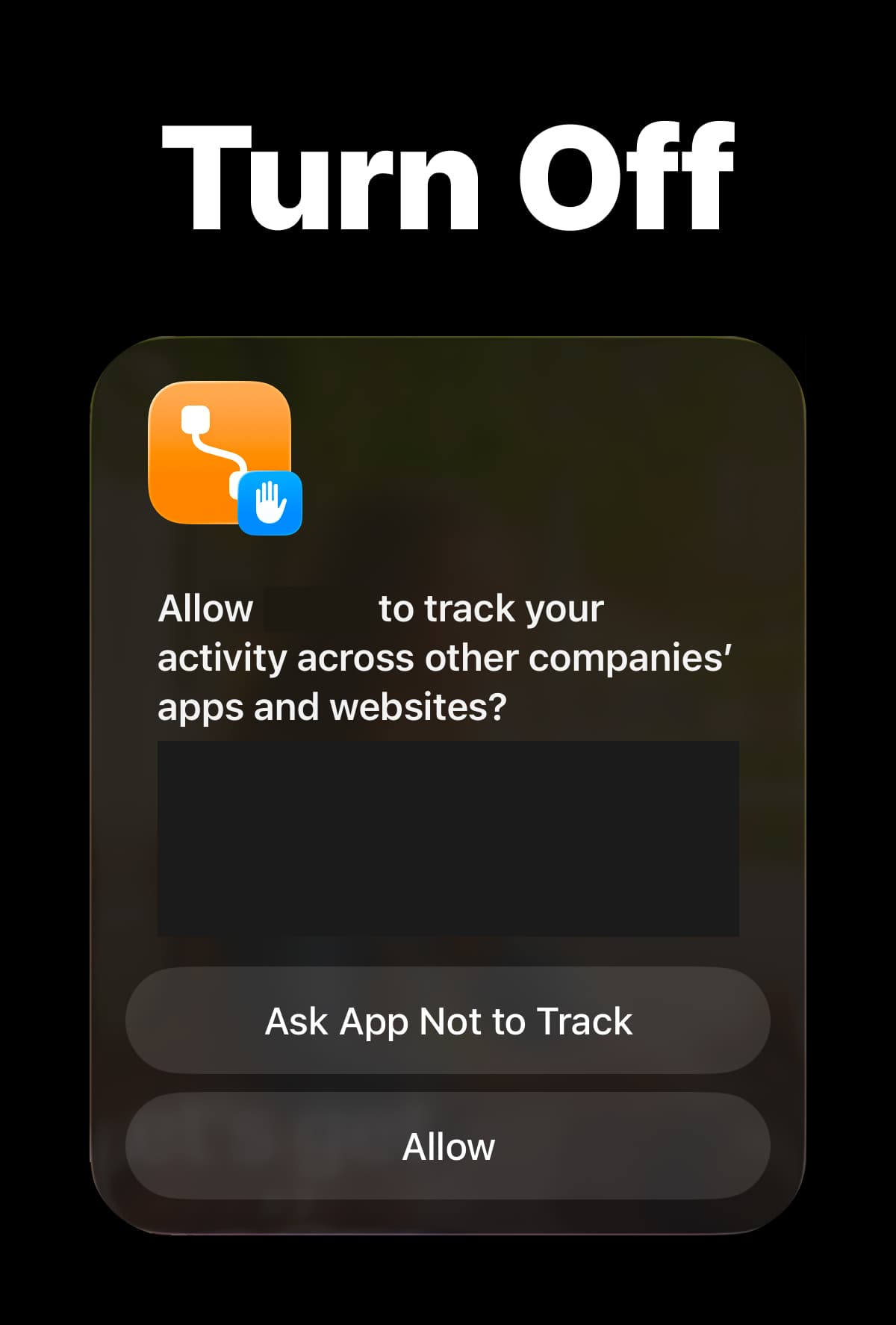
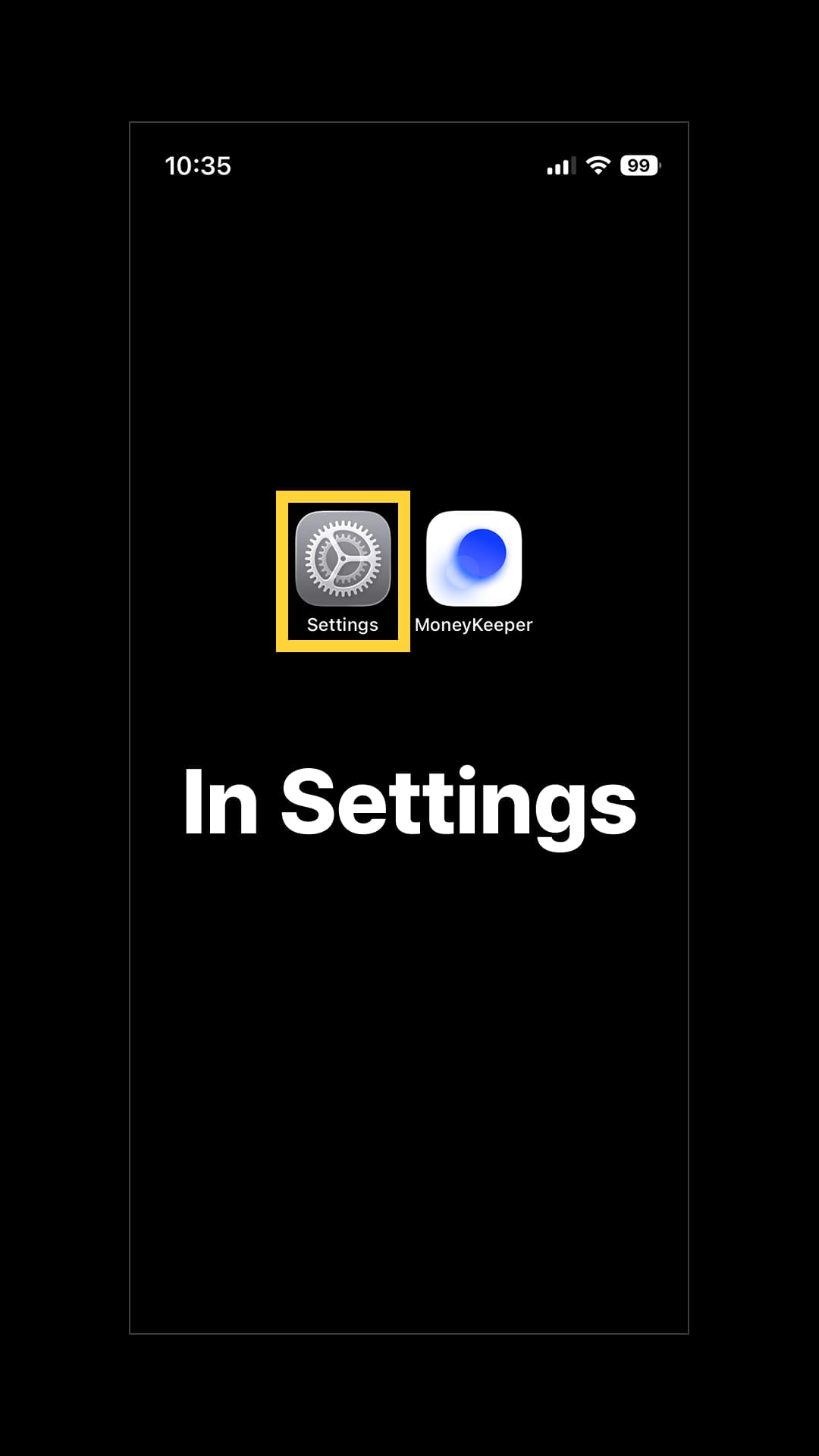
(1) Open the Settings app on your iPhone or iPad.
(2) Go to Privacy & Security > Tracking, then turn off Allow Apps to Request to Track. App tracking requests will no longer appear on your iPhone or iPad.
Here’s a helpful tip from the developer of Scheduler and Money Keeper. 🍯
Scheduler
iPhone Calendar App

Money Keeper
Expenses Tracker, Payday & Budget Calendar