New Widget ‘Timeline’ Update 🌈✨

Scheduler · iPhone Calendar App
Hello! 😊
This update introduces the new ‘Timeline (Beta)’ widget. Requested by many users, this widget shows upcoming events for today and tomorrow in chronological order.
It has a different feel from the 14 widgets I’ve offered so far, so if you’ve been looking for something new, I hope you’ll give it a try 🙌 Like the other widgets, the ‘Timeline’ widget is available on iPhone, iPad, and Mac, and has been released as a membership widget 🙏
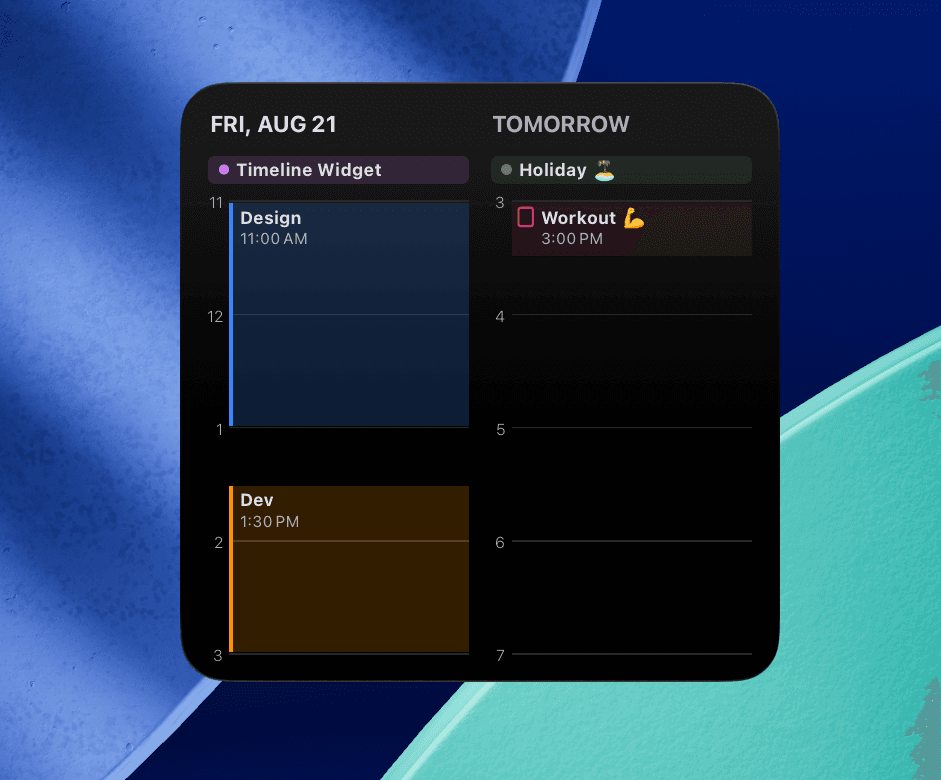
There were some technically challenging parts that were more difficult than I expected, which made developing this widget quite fun. Please feel free to try it out, and if you come across any errors or bugs, I’d really appreciate it if you could let me know anytime through ‘Send Feedback’ in the app 👍
Here are some additional updates.
📌 Based on your valuable feedback, I’ve improved multi-day events with a specified time so that the time is now displayed as well, making it easier to check your schedule.
📌 I’ve renamed the editors available when using the ‘Link External Calendars’ feature and added descriptions to make their names clearer.
- Simple —> Developer-Built
- All Features —> Apple Calendar
Money Keeper ‘Export’ Feature Update for AI and Excel Analysis 🤖📊
The ‘Export’ feature, which many Money Keeper users have requested, is now available. You can now export the income and expenses you’ve recorded in Money Keeper as a file (CSV) and have them analyzed by the AI you currently use (such as ChatGPT, Gemini, or Claude), or analyze them yourself in Excel, Numbers, or Google Sheets 🙌

Money Keeper
Expenses Tracker, Payday & Budget Calendar
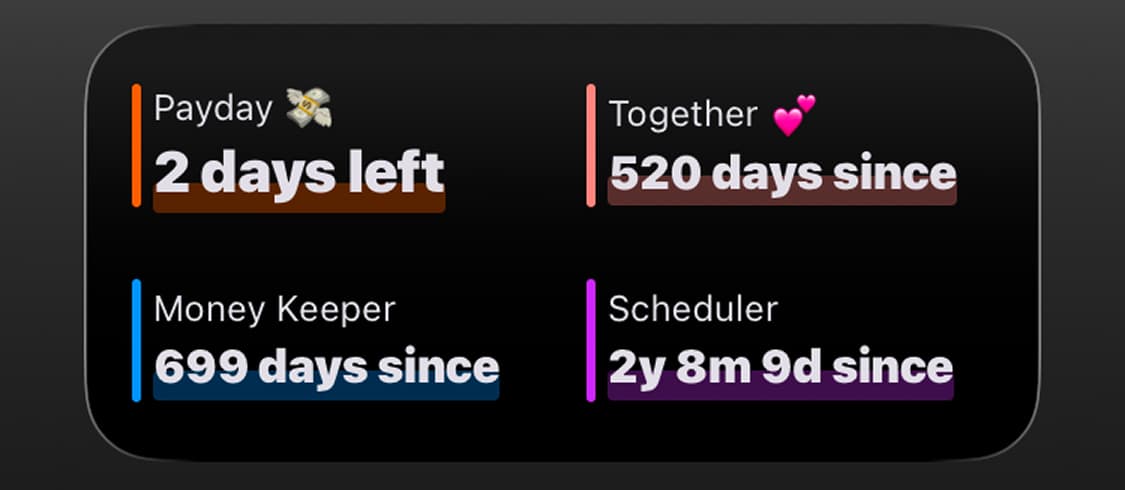
Dayte: “Display Multiple Countdowns” Widget Update ✨
The “Display Multiple Countdowns” widget was one of the most requested features since the launch of Dayte, and I’m happy to bring it to Scheduler users as well. It’s a useful widget if you’d like to display multiple Countdowns in a compact space 👍

Dayte
Countdown · Only What You Need
—
Thank you to everyone who uses Scheduler to manage your schedule 🙏
If you ever need my help or have any feedback, please feel free to send it through [More > Send Feedback] in the app. I’ll respond and help however I can 📨
I hope you always take good care of your health 💪
Have a wonderful day! 🌈✨
Scheduler
iPhone Calendar App